Keep the conversation going on Threads
Create and schedule text, image, video, and carousel posts on Threads to grow your audience and build a community.
.png)
Community building made easy
1
Automate your Threads posts
Create and schedule text, image, video, and carousel posts to your public and private profiles, so your followers stay updated and your community keeps growing.
2
Kickstart conversations with your community
Join trending and hot conversations with hashtags that connect you to the right audience and maximize your visibility on the platform.
3
Create unique content just for Threads
Don't just cross-post — fine-tune your messaging and media to stand out on Threads with post-optimization tips and practical editing tools.
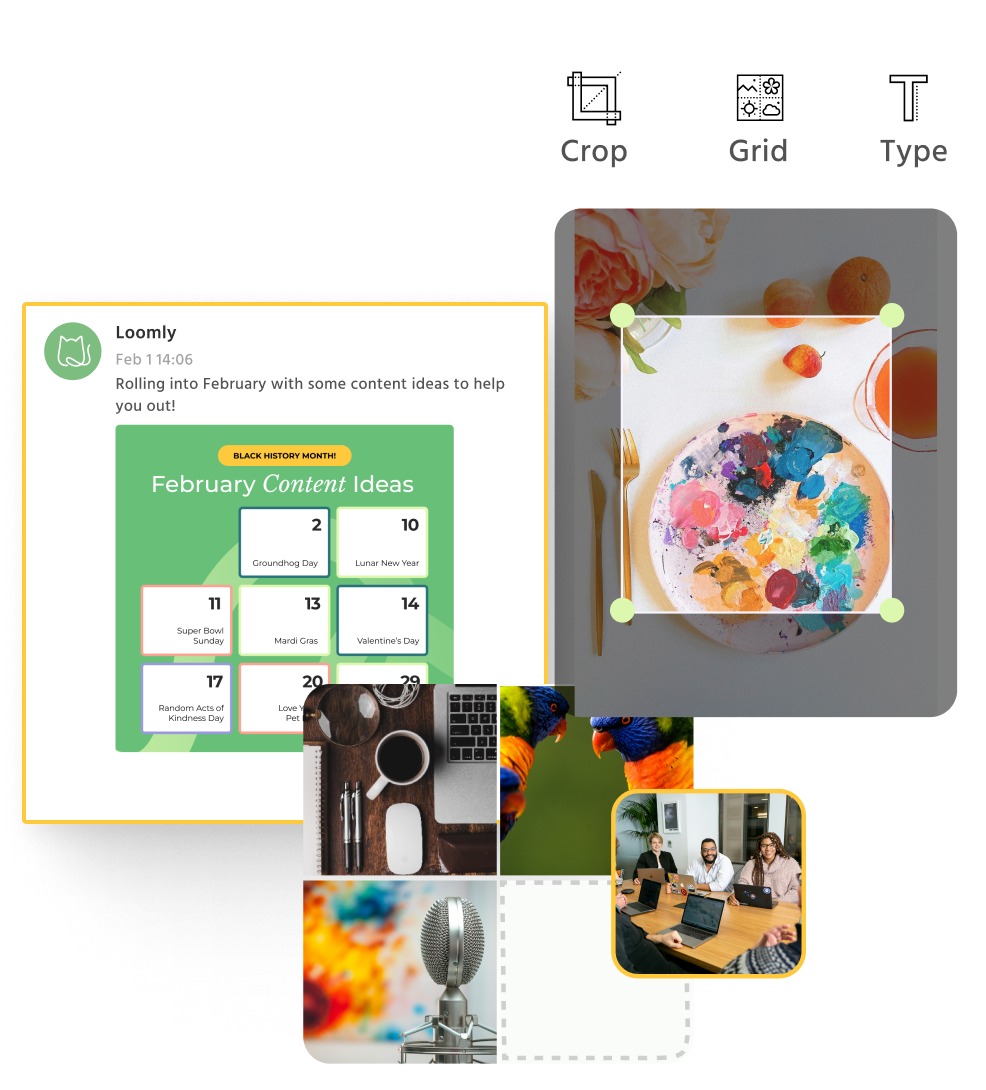
Effortlessly schedule high-impact content
Threads Post Planning & Scheduling
Manage your Threads content in one place
- Preview posts and make last-minute tweaks before they go live
- Optimize your content with automated tips on post timing, length, and more
- Easily add hashtags and tag users to drive engagement
.png?width=892&height=630&name=Copy%20of%202310719_ThreadsSchedulingIntegrationLandingPageGraphic-PostBuilder%20(1).png)
Threads Community Management
Build a close-knit community
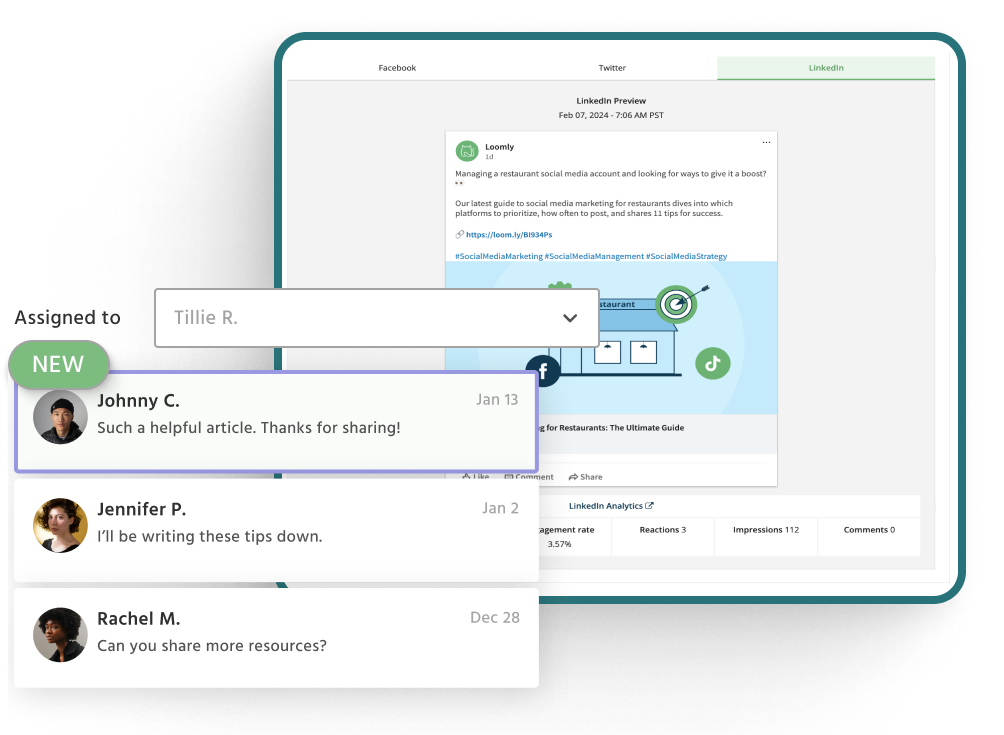
- Join trending topics as they're happening to build brand awareness
- Prioritize communication with your key audience segments to boost views and engagement
- Leverage the platform to announce new releases to strengthen brand loyalty
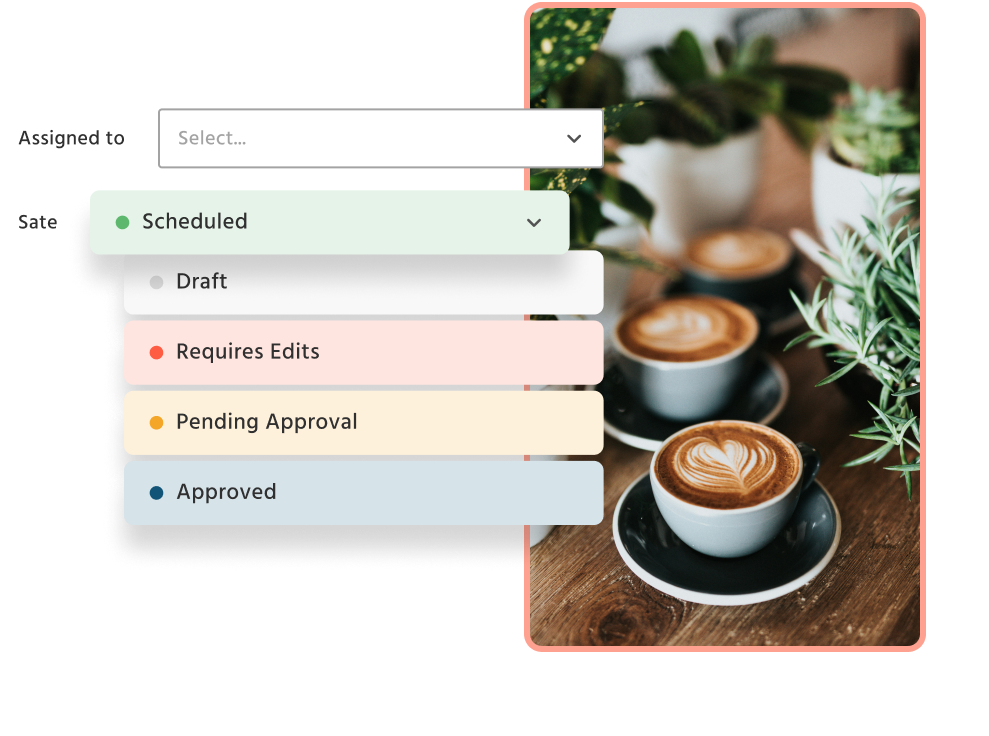
Threads Collaboration & Approval Workflows
Make feedback and approvals fast and easy
- Set up multi-level approval workflows with custom roles for team members
- Minimize back-and-forth with private comments for reviews and feedback
- Keep your team in sync with notifications via email, Slack, or Microsoft Teams
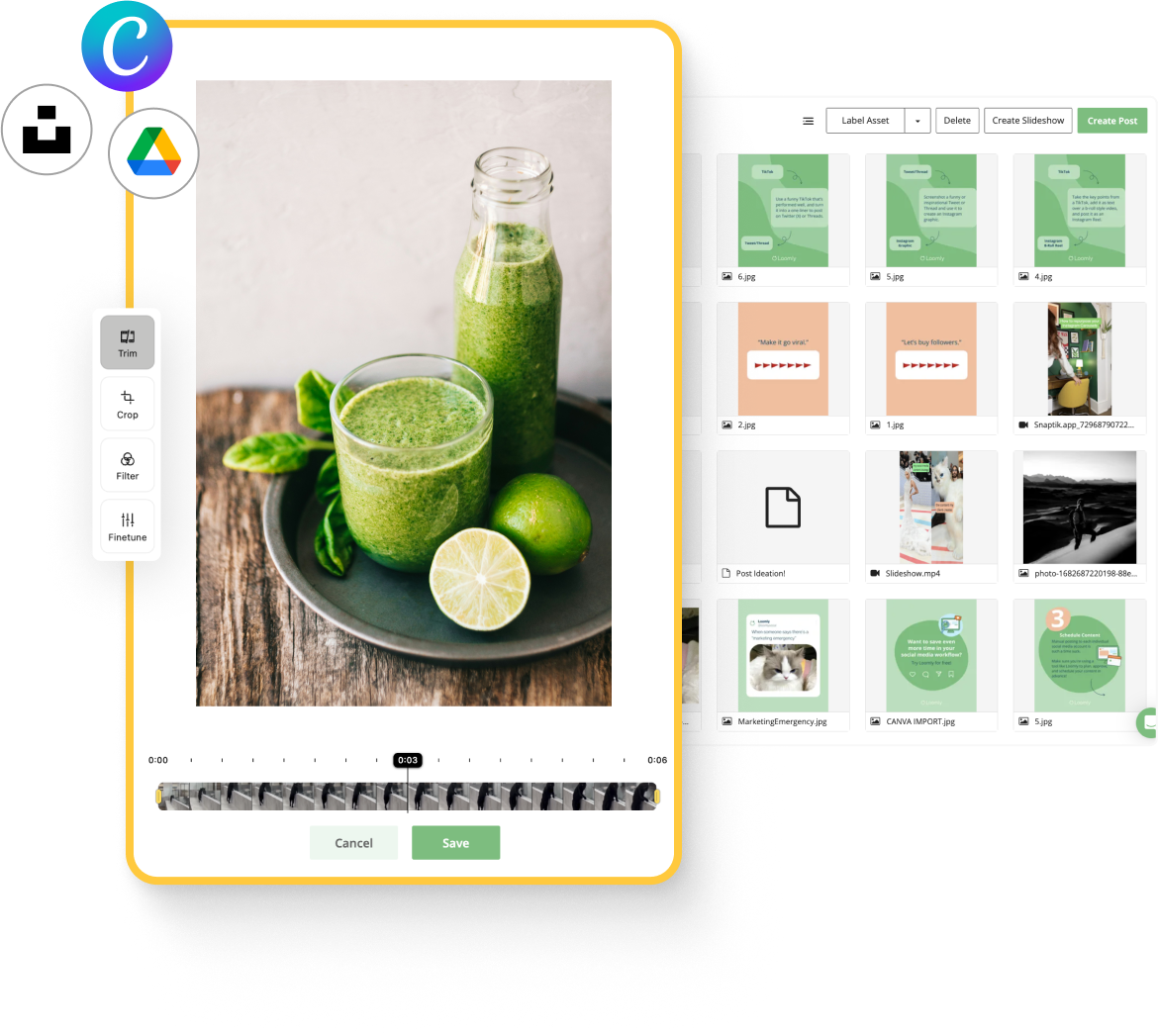
Threads Content Creation
Create and repurpose content for Threads
- Import assets from Canva and Google Drive to your Loomly Library with one click
- Quickly edit images and videos to match Threads specs using our built-in editor, Loomly Studio
- Keep your content fresh and engaging with daily post ideas and holiday markers
.png)
Connect your favorite social channels

Built for brands,
loved
 by teams
and everyone in between!
Explore Customer Stories
by teams
and everyone in between!
-
 Amanda HollenbeckSocial Media Director, George J. Keller & Sons
 -
Chris DerrerFounder & Managing Director, Super Digital
-
Roger BradleyLicensed Real Estate Professional, Berkshire Hathaway HomeServices Beach Properties of Florida
-
Rachael N. TurnerExecutive Director, Rosemint Inc.