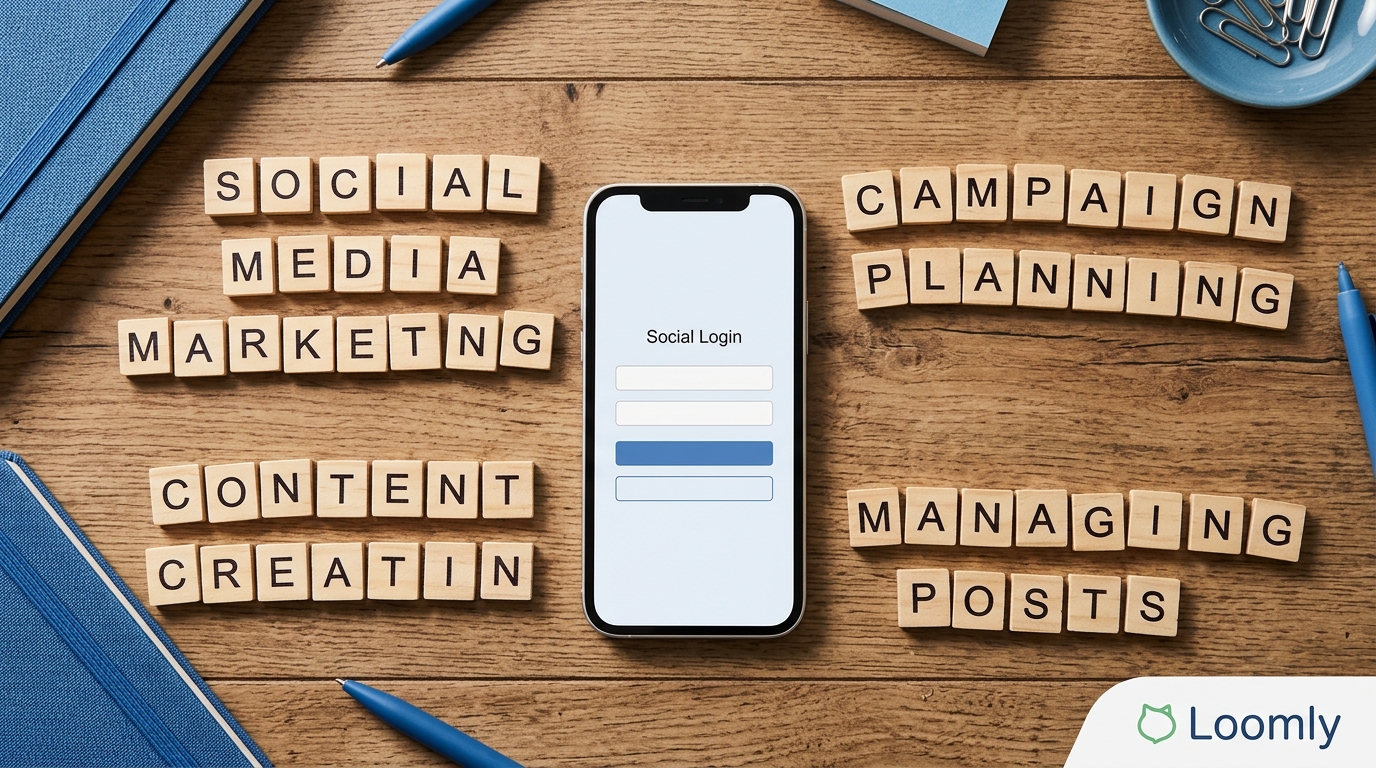
Facebook marketing is the work of helping the right people discover, understand, trust, and return to your business through Facebook. It can include a Facebook Page, organic posts, Reels, Stories, Groups, Events, Messenger conversations, and paid Meta ads. The right mix depends on the job you need Facebook to do. A local service business may need appointment inquiries and reliable customer care. A retailer may need product discovery and sales. A B2B team may need useful education and qualified leads.
That distinction matters. Facebook is not a channel where publishing more often guarantees more reach, and it is not a single-format platform. Treat it as a system: give people useful reasons to follow your Page, make it easy to start a conversation or take the next step, and measure the business outcome you chose.
This guide explains how to build that system with current Meta terminology and tools. It avoids dated reach, open-rate, and return-on-ad-spend promises because no platform benchmark can predict a particular business result.
What Facebook marketing includes today
A Facebook strategy can use several connected surfaces. Your Facebook Page is the public home for your business information, posts, comments, and messages. Feed posts support updates, education, links, images, and discussion. Reels are short-form videos that can introduce an idea, demonstrate a product, or answer a common question. Stories suit timely, less permanent updates. Groups and Events can be useful when a community or a specific occasion is central to the offer.
Facebook also sits in the broader Meta business environment. Meta Business Suite is designed to help businesses manage Facebook and Instagram activity in one place, while Ads Manager is the tool for building and analysing campaigns. Ads can appear across eligible Meta placements, and ads that click to message can start a conversation in Messenger, Instagram Direct, or WhatsApp depending on the setup and availability. Do not assume every feature, placement, commerce option, or messaging destination is available for every account, country, industry, or objective. Confirm the options shown in your own account before you make a campaign plan.
The practical question is not, “Which Facebook feature should we use?” It is, “What customer action are we trying to make easier?” A useful answer might be: understand a new service, compare products, register for an event, ask a pre-purchase question, request a quote, or complete a purchase on a suitable destination.
Start with a clear job for the channel
Choose one primary outcome for the next planning period and a small number of supporting outcomes. This keeps content, community management, and paid media from working at cross-purposes. For example:
- Awareness: Help a defined audience recognise a problem you solve and remember your business.
- Consideration: Explain how the product works, answer objections, show the process, or offer a useful comparison.
- Leads: Invite people to request an estimate, book a consultation, download a genuinely useful resource, or begin a relevant message conversation.
- Sales: Bring qualified people to a clear product or checkout experience and measure the actions that matter.
- Retention and service: Make updates, support, and follow-up easier for existing customers.
Write the outcome in a sentence that includes an audience and a next action. “Reach more people” is too broad to guide a decision. “Help first-time homeowners in our service area understand when to request a roof inspection, then make it simple to book one” gives the team something concrete to create, promote, and measure.
Set a baseline before you change anything. Record the current volume and quality of the action you care about, such as completed lead forms, booked consultations, store visits, qualified message conversations, or purchases. If several people own the Page, agree on the definition of a qualified inquiry. A message that asks only for opening hours should not be counted the same way as a request for a proposal.
Build a Page people can act on
Your Page should answer the basic questions a prospective customer has before they need to ask: who you are, what you offer, where you operate, when you are available, and how to take the next step. Use accurate business details, a recognisable profile image, a cover image that reinforces the current offer or category, and a clear description written in customer language.
Choose a primary action that matches the goal. A business that handles considered purchases may direct people to request a quote or send a message. A retailer may direct people to a collection or product page. An event organiser may direct people to registration details. The destination must work on mobile, match the promise in the post or ad, and make it obvious what happens after a click.
Give the right people access through your business tools instead of sharing one login. Keep ownership and permissions current when team members or agencies change. Before running ads, confirm that the correct Page, ad account, website destination, and any required catalog or data connection belong to the business that will use them. This is basic operational hygiene, but it prevents avoidable delivery, reporting, and handoff problems later.
Create content around customer questions
Strong Facebook content earns attention by being useful or worth discussing, not by filling a calendar. Start with the questions customers ask before they buy, during onboarding, and after delivery. Sales calls, support tickets, comments, reviews, search queries, and conversations with frontline staff are better inputs than a list of generic awareness days.
Turn those inputs into a small set of repeatable content themes. A home-goods brand might use product care, room inspiration, buying guidance, customer stories, and behind-the-scenes sourcing. A consultancy might use common misconceptions, frameworks, examples, decision criteria, and answers to questions that affect scope or budget. A local business might use seasonal needs, local proof, practical tips, staff expertise, and event updates.
Use the format that best carries the idea:
- Use a short video or Reel to show a process, a product detail, or one clear answer.
- Use a photo, carousel, or album when people need to compare visual options.
- Use a text-led post when a timely point, question, or local update deserves discussion.
- Use a link when the page behind it provides meaningful additional value, not merely a thin landing page.
- Use a live format only when the real-time element improves the experience, such as a demonstration, event, or Q&A with prepared moderation.
Every post does not need to sell. A practical mix includes discovery content for new people, proof and explanation for people evaluating you, and service content for customers. The commercial connection should be clear when it is relevant: explain what the product solves, who it is for, what it does not do, and what a person can do next. Do not manufacture urgency, overstate scarcity, or present a possibility as a guaranteed outcome.
Make short-form video useful, not disposable
Reels and other short videos are a format choice, not a substitute for a strategy. Begin with the situation, question, or result the viewer will recognise. Show the evidence, process, or answer quickly. Use captions or on-screen text so the point remains understandable without sound, and make the ending useful even when the viewer does not take an immediate action.
A product demonstration can show the relevant feature and a realistic use case. A service business can show what happens in a consultation or what to prepare before an appointment. A founder can answer one recurring question rather than reciting a broad mission statement. Keep visual claims, before-and-after material, endorsements, and health, financial, or employment claims especially careful: the ad and the destination must support what the video says.
Reuse an underlying idea across formats only when each version earns its place. A longer customer question can become a concise Reel, a detailed Page post, a checklist on your website, and a reply template for your inbox. This is more sustainable than creating unrelated posts for each surface.
Plan a publishing system your team can maintain
A content calendar is a decision tool, not a production quota. For each planned item, note the audience, objective, central point, format, owner, call to action, source material, publishing date, and how you will judge whether it helped. Leave room for customer questions, operational updates, and timely posts. A calendar that has no flexibility usually becomes irrelevant as soon as the business has something real to say.
Use a lightweight approval process. The person closest to the customer should check accuracy. The brand owner should check tone and visual consistency. Someone who understands policy or the regulated category should review sensitive claims before publishing or promoting them. Meta Business Suite can help teams plan and manage activity, but a tool cannot decide whether an offer is accurate, whether a customer testimonial has permission, or whether a claim is properly qualified.
Prepare a small library of approved assets: product images, logo treatments, captions, footage, FAQs, approved claims, disclosures, and links. Add dates to offers and remove expired information promptly. A clear, current Page builds more trust than a highly designed Page with old prices, broken links, or unanswered questions.
Manage comments and messages as part of the experience
Publishing creates a public invitation to respond. Decide who watches comments and messages, what a timely response means for your business, which questions can receive a standard answer, and when an issue needs a specialist or manager. A customer-care plan should include weekends, launches, outages, and events, not just ordinary business hours.
Reply helpfully without turning public comments into a support ticket. Acknowledge the question, give the information you can safely give, and move account-specific, payment, health, or personal details to an appropriate private channel. Do not ask people to post private information in comments. Preserve context when handing a conversation to another person so the customer does not have to repeat the problem.
Set moderation rules in advance. Remove or report content that violates applicable rules, protect staff from abuse, and document serious complaints or safety issues. Do not delete reasonable criticism merely because it is inconvenient. A measured, factual reply can be more credible than a polished promotional post. If an error is yours, correct it plainly and explain the next step.
Use paid Facebook marketing deliberately
Paid distribution is useful when it has a defined purpose, a credible audience hypothesis, a suitable destination, and a way to evaluate the result. Meta currently organises campaign objectives around Awareness, Traffic, Engagement, Leads, App promotion, and Sales. Select the objective that most closely reflects the result you need, rather than choosing the cheapest visible metric. For example, a low cost per link click does not make a campaign successful if the landing page produces no qualified action.
Build a campaign in stages:
- State the business outcome and the conversion or conversation that represents it.
- Choose the objective and destination that fit that outcome.
- Define the audience using real customer knowledge, permitted data, and the controls available in Ads Manager. Avoid assumptions based on stereotypes.
- Create a small number of distinct creative ideas. Each should make one promise, show relevant proof, and lead to one next step.
- Set a budget and a learning period that can produce enough signal to make a decision. Do not change every variable every day.
- Review delivery, quality, downstream action, and cost together. Keep, revise, or stop based on the agreed measure.
Boosting an existing post can be a simple way to extend a message that already works, but it is not a substitute for a campaign designed around a specific objective, audience, destination, and measurement plan. Use it when the post and the goal genuinely align. Use Ads Manager when you need more control over campaign structure, reporting, creative, placements, or optimisation.
Creative and targeting work together. An ad should make the audience clear through the offer and context, not by asserting that the viewer has a sensitive characteristic or personal problem. Say, “Explore ways to plan your retirement,” rather than, “Are you nearing retirement and worried about your savings?” The second approach can create policy and trust problems even if the underlying offer is legitimate.
Connect ads and organic work without duplicating them
Organic content is where you can demonstrate expertise, answer questions, and build a dependable public record. Paid ads are where you can put a relevant message in front of people who may not already follow you. Let each do its job. An organic post that generates informed comments may point to a topic worth developing into an ad. An ad that repeatedly starts the same question may reveal a gap in your Page content or landing page.
Do not promote a post just because it received likes. Inspect the quality of the response and the next action. If a post sends people to a guide, check whether they stayed, read, registered, or completed the action you value. If it opens a message conversation, review whether the conversation was relevant and whether the team answered it well. A promotion that creates extra work without useful outcomes needs a different offer, audience, or destination.
Measure the whole path, not vanity metrics alone
Page reach, video views, reactions, comments, and link clicks can help diagnose what happened, but they are not a complete marketing result. Pair them with the business measure you selected: qualified leads, booked appointments, purchases, revenue, repeat orders, resolved support requests, or event attendance. A post can have modest distribution and still be valuable if it answers a high-intent customer question. A widely viewed post can be unhelpful if it attracts the wrong audience or makes a promise the business cannot fulfil.
For website or app outcomes, make sure the measurement setup is in place before you spend heavily. Check that the destination loads, forms work, consent and privacy obligations are handled appropriately, and the events you depend on are recorded as expected. Meta provides browser and server-based business tools, but implementation should match your technical and legal requirements. Do not treat reporting as exact truth without checking your own order, CRM, or booking data.
Review results on a regular cadence. Ask: Which topic produced the most useful action? Which audience or creative combination produced low-quality inquiries? Did response time affect conversation outcomes? Did the landing page deliver the promise in the ad? What should we stop doing? A short written learning log makes the next cycle better than the last one.
Keep policy, rights, and trust in the workflow
Meta reviews ads under its Advertising Standards, and policy applies to the entire experience, not only the words in the ad. Check the ad, targeting, creative, claims, landing page, lead form, message flow, and product category before launch. Rules and availability change, so link the current policy source in your internal checklist rather than relying on an old screenshot or a remembered rule.
- Use claims that you can substantiate. Qualify results that vary, and do not imply certainty where there is none.
- Do not call out or imply a person's sensitive attributes, health condition, financial status, or other personal characteristics in ad copy.
- Use music, images, testimonials, reviews, and creator content only when you have the rights and required permissions.
- Disclose commercial relationships and use Meta's branded-content tools when they apply.
- Check category-specific rules for regulated products, employment, housing, credit, politics, health, financial services, and other sensitive offers before planning creative or targeting.
- Keep privacy notices, data collection, consent, and retention practices aligned with the laws that apply to your business. Platform approval does not replace your legal obligations.
Policies are not only an approval hurdle. Clear disclosure, accurate offers, respectful targeting, and a usable destination reduce disappointment after the click. That is good marketing as well as good risk management.
A practical 30-day Facebook marketing plan
Week 1: Audit the Page, business details, access, destination links, inbox ownership, and current measurement. Choose one primary outcome and define a qualified result. Collect the questions, objections, and proof your audience needs.
Week 2: Create a small content set from those inputs: one educational answer, one demonstration or example, one proof-led post, one customer-care or FAQ post, and one clear offer. Prepare captions, accessible text, approved assets, and response guidance.
Week 3: Publish, engage, and document the questions that appear. If paid support is appropriate, test a limited campaign with a defined objective, one clear destination, and a manageable number of creative and audience hypotheses.
Week 4: Review the complete path from impression or post to meaningful action. Compare the quality of leads or conversations, not just volume. Keep the useful themes, fix the weak destination or message, update the response playbook, and plan the next cycle from what customers actually did.
Facebook marketing in a nutshell
Facebook marketing works best when it is treated as a connected customer experience. Build an accurate Page, create useful content around real questions, give people a sensible next step, handle replies well, use paid distribution for a defined job, and measure the outcome that matters to the business. Use current Meta tools and policies as operating constraints, not as reasons to promise reach or revenue that no platform can guarantee.