Pinterest is a visual discovery platform. People use it to look for ideas, products, instructions, and inspiration, then save what interests them for later. It has social features, but it is not best understood as a chronological social feed where a brand simply posts updates for followers. Pinterest organizes content around discovery: people can encounter it in their home feed, through keyword or visual search, beside related Pins, and through shopping surfaces.
For a business, that distinction matters. A useful Pinterest presence starts with content that helps a person explore an idea or make a decision. It is not a shortcut to guaranteed website traffic, sales, or follower growth. Pinterest provides places for people to discover Pins and lets publishers add destination URLs; whether people see, save, or visit from a Pin depends on the content, the query or context, the destination, and many other factors.
What is Pinterest?
Pinterest calls the content on its platform Pins. A Pin can contain an image, a video, or both, and it can link to a website. People can save Pins they find to boards, which are collections they use to organize ideas. For example, someone planning a kitchen renovation might save Pins to boards named Kitchen layouts, Cabinet colors, and Lighting ideas.
A board is not necessarily public. Pinterest says public boards can appear on a person's profile and in search; private boards are visible only to the owner and invited collaborators. Group boards have collaborators who can add and organize Pins, and they can be public or private. This is why a save is not the same thing as a public endorsement or a share to every follower.
People may use Pinterest to plan a trip, compare products, collect recipes, find a tutorial, or keep track of a style they like. The common thread is intent: a Pin should make sense to someone who may discover it outside the moment it was published.
Pinterest terms to know
- Pin
- A piece of content on Pinterest, such as an image, video, or combination of media. A Pin can include a link to a destination on the web.
- Save
- The action of adding a Pin to a board. Older articles may say repin; Pinterest's current help language uses save.
- Board
- A collection of saved Pins. Boards can be public, private, or collaborative, depending on their settings.
- Home feed
- A place where people browse for ideas. It is one of several discovery surfaces on Pinterest.
- Search and visual search
- Ways people can look for ideas with words or images. Pinterest also shows related Pins near Pins people view closely.
- Product Pin and shopping
- Shopping features and product Pins help people discover products and move toward checkout. They are not the same as every ordinary Pin with a link.
How people discover Pins
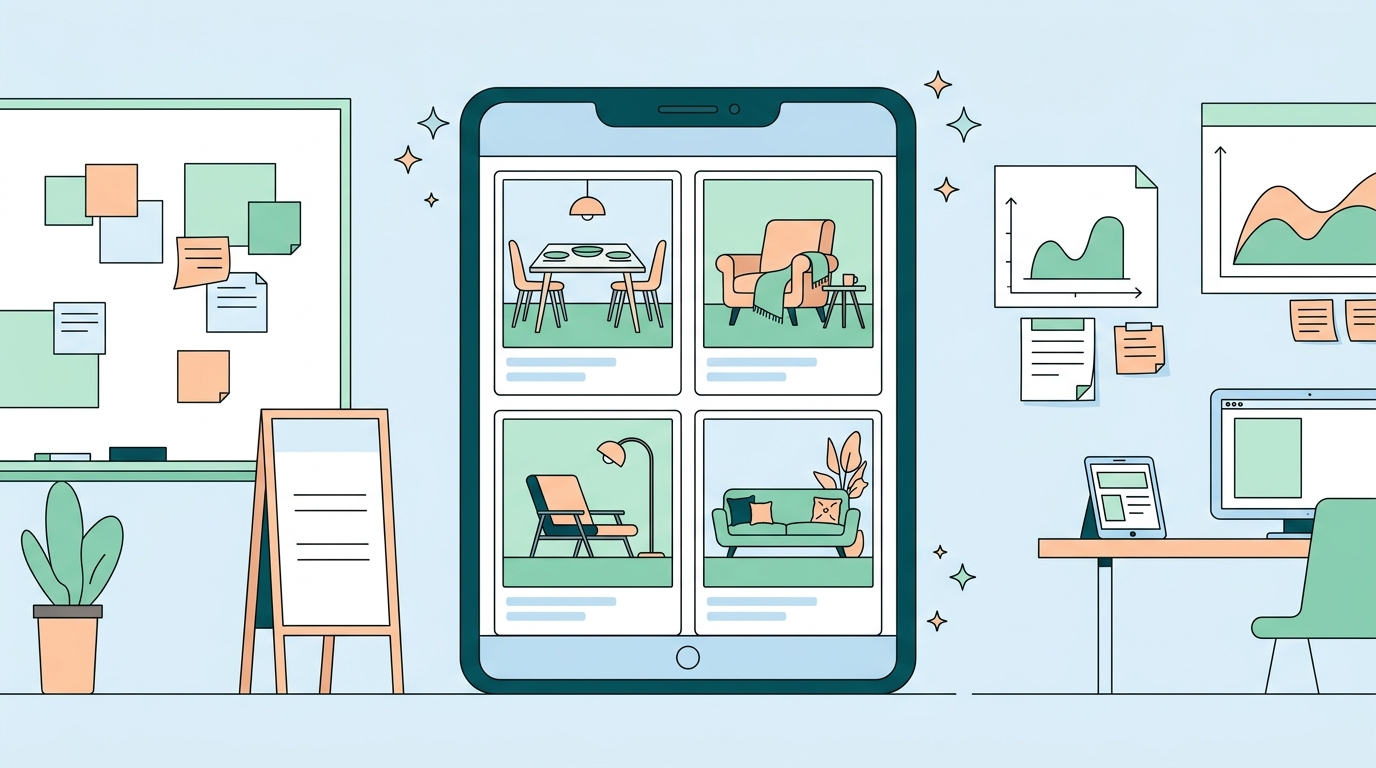
Pinterest's business guidance identifies four major discovery paths: the home feed, search, related Pins, and shopping. A person may browse their feed for broad inspiration, search for a specific need, open a Pin and find similar ideas nearby, or use a shopping feature to explore products.
That means a Pin should be understandable on its own. The image or video should make the subject clear, the title and description should accurately describe it, and the linked page should deliver what the Pin suggests. A Pin about a weeknight pasta recipe should lead to that recipe, not to a generic homepage. A Pin about a product feature should show the feature and link to the relevant product or detail page.
Good organization helps too. Use clear, specific board names that match the ideas in the Pins they contain. Pinterest itself recommends descriptive board titles, such as Easy no-bake dinners, to help with search. Do not create near-duplicate boards or add unrelated Pins merely to expand the number of places a Pin appears. A useful collection is easier for a person to understand and maintain.
How Pins are created
People can create Pins in the Pinterest app or on desktop by uploading images or videos. Pinterest also offers business workflows that can create or publish content from a product feed or an RSS feed. The right method depends on the content you have and the permissions attached to the account. Check Pinterest's current documentation before relying on a feature, because availability and account requirements can change.
When creating a Pin for a website, treat the destination as part of the content. Use a stable, relevant URL, make sure the page works on mobile, and avoid misleading calls to action. A compelling image may earn attention, but a mismatch between the Pin and the page wastes the visitor's time and makes measurement less useful.
Pinterest recommends creating original Pins regularly. Consistency is useful when it means maintaining a realistic publishing rhythm and keeping information current. It does not mean posting a fixed number of times per day or repeating the same asset indefinitely. Start with the content you can make accurately and keep improving it from what you learn.
Organic Pins and Pinterest ads
Organic Pins are content you publish without paying Pinterest to distribute them. Pinterest ads are paid campaigns that promote Pins for a selected business goal. The two can use similar creative formats, but they are different activities with different controls, costs, and measurement needs.
Do not imply that an organic Pin will receive a particular amount of reach or traffic. Likewise, paying to promote a Pin does not remove the need for a clear offer, an appropriate audience, a functioning destination, and a measurement plan. If you run ads, use the current Pinterest Ads documentation and set a budget and objective that match the campaign. If you publish organically, focus first on whether the Pin answers a real question or supports a real decision.
How businesses can use Pinterest responsibly
Pinterest can suit businesses that can explain, demonstrate, compare, teach, or inspire visually. Examples include product collections, recipes, project guides, style references, travel planning resources, educational diagrams, before-and-after work, and seasonal checklists. The format is less useful when a business has nothing meaningful to show or only plans to repeat promotional messages.
Build Pins around the usefulness of the destination rather than around a generic promise to drive traffic. For each Pin, answer four questions:
- What idea, problem, or decision does this Pin help with?
- Can someone understand the subject from the visual and the accompanying text?
- Does the destination page give the person the information, product, or next step the Pin describes?
- What would count as a useful outcome for this Pin: a save, a visit, a product view, a signup, or something else you can measure?
Use accessible, accurate creative. Include readable text where text is necessary, make the visual subject clear, and avoid using images that conceal important limitations. If you are sharing a sponsored relationship, promotion, price, availability, or product claim, disclose it where the relevant rules require. Pinterest is a discovery environment, not an exception to advertising, consumer-protection, or intellectual-property obligations.
Measuring Pinterest without overclaiming
Measure the behavior that matches the job of the Pin. A saved planning guide may be valuable because people want to return to it. A Pin that links to a product page may be evaluated by qualified visits and downstream activity on the site. An ad campaign should be evaluated against its stated objective and its actual costs.
Use Pinterest's available reporting alongside your website analytics. Add consistent campaign parameters to destination URLs when appropriate, confirm that the destination can be tracked, and compare like with like over a meaningful period. Do not treat impressions, saves, clicks, or a single viral Pin as proof of business results on their own. They are signals to investigate, not universal guarantees.
A practical Pinterest checklist
- Create a Pin with a clear, original visual or video.
- Describe the specific idea accurately in the title and description.
- Link to the exact page that fulfills the Pin's promise.
- Save the Pin to a descriptively named, relevant board.
- Use paid promotion only when a campaign objective, budget, and measurement plan justify it.
- Review saves, visits, and site outcomes to decide what to improve next.